
Posts Tagged ‘Beaver Builder AI’
Beaver Builder AI 1.0.1: Native Layouts, Easier Connection Troubleshooting, and More
Released 09/14/2026. Requires Beaver Builder 2.11 or later. Full technical changelog: wpbeaverbuilder.com/change-logs Beaver Builder AI 1.0.1 is now available, bringing improvements to AI-connected workflows, native Beaver Builder layouts, Design Kits, Components, and more. This release focuses heavily on making AI-built pages more reliable, easier to troubleshoot, and more consistent with the way you build websites…
Read MoreHow to Avoid AI Slop in Web Design: A Beaver Builder AI Masterclass with Paul Lacey

AI can build a website quickly. But when no one makes the important design decisions, it can just as quickly produce a polished-looking site that feels generic. For professional web designers, the challenge is clear: How can you use AI to save time without giving up control of the design? In this Beaver Builder AI…
Read MoreBeaver Builder AI 1.0: Components, Image Prompting, and More
Beaver Builder AI 1.0 is now available. Current customers can download it from your My Account page. New to Beaver Builder and want to see what AI can do? We’ve launched a new AI demo that lets you jump right in and start building without having to install anything. Try it out and see how…
Read MoreBeaver Builder Design System: Keep AI-Generated Pages Consistent
Ever notice that some AI tools are great at building one page, but not always a complete website? Ask AI to create a single page, and it can deliver something impressive. Ask it to build an entire site, and inconsistencies can start to appear. A slightly different blue on page two. Smaller headings on page…
Read MoreBeaver Builder AI Design Kits vs. Design Systems: What’s the Difference?
The terms “design system” and “design kit” can mean different things in web design. In Beaver Builder AI, a Design System provides the visual foundation for your website’s design. A Design Kit packages that Design System with pages and global elements so you can build outside WordPress and bring the finished work into Beaver Builder…
Read MoreDesign Kits Explained: Build WordPress Websites Locally with AI

Beaver Builder AI gives you multiple ways to build WordPress websites with AI. This article focuses on the Design Kit workflow which lets you build websites locally with AI before importing them into WordPress. What Is a Design Kit? A Beaver Builder AI Design Kit is a folder of files that gives your AI coding…
Read MoreHow to Set Up Beaver Builder AI Chat: Install, Connect, and Start Building

Wondering how to set up Beaver Builder AI? In a previous article, we introduced three ways to build with Beaver Builder AI: Beaver Builder AI Chat vs MCP Connection vs Design Kits. Each one fits a different workflow. In this article, you’ll set up the built-in chat. By the end, you’ll have the plugin installed,…
Read MoreBeaver Builder AI Chat vs MCP vs Design Kits: Three Ways to Build
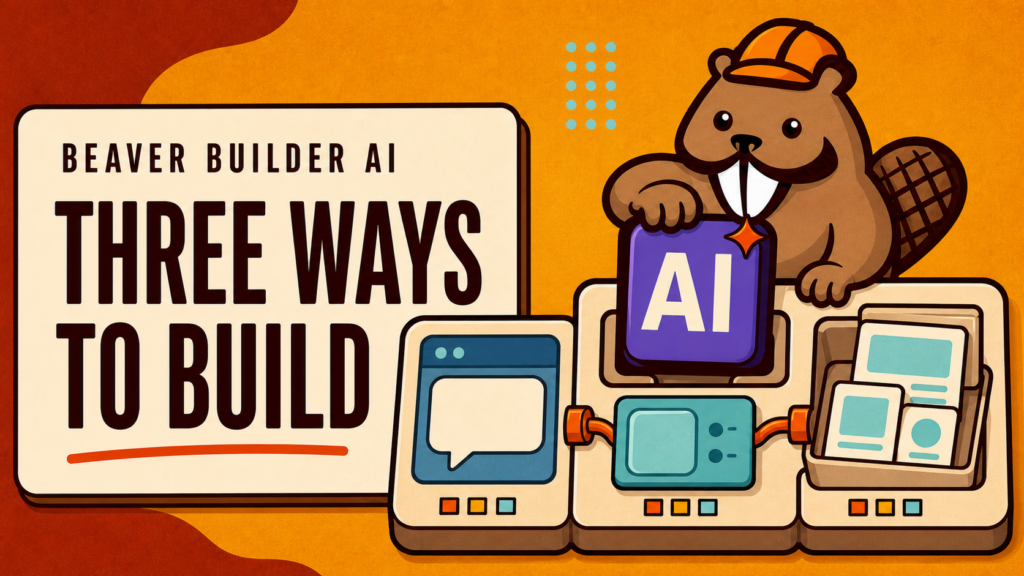
In a previous article, we covered what Beaver Builder AI is and how it works. Now let’s take a look at the different ways you can build with it. Beaver Builder AI gives you three workflows: built-in chat for visual editing inside WordPress, MCP for connecting an AI agent directly to your site, and Design…
Read MoreIntroducing Beaver Builder AI: Build WordPress Websites With AI
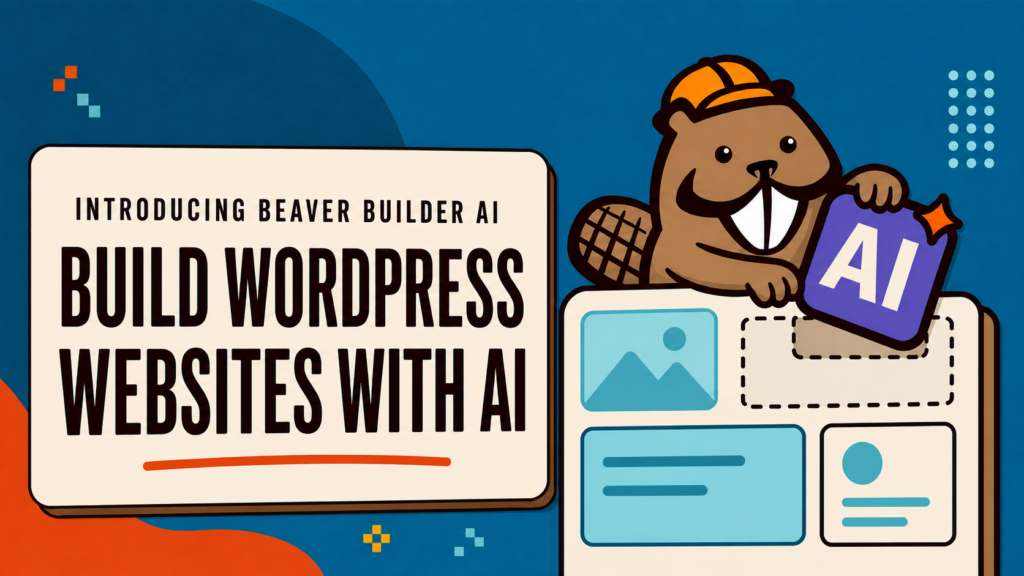
While many AI website builders promise speed, they often require you to leave behind the tools and workflows you rely on. As a WordPress professional, speed isn’t your only concern. You also need sites that are easy to edit, simple to maintain, and easy to handoff to clients. That’s what the Beaver Builder team had…
Read MoreHow to Build an Animated WordPress Website with AI Using Beaver Builder
What if you could take an advanced, interactive website design and use AI to build a working WordPress page with Beaver Builder native modules? That’s exactly what Anthony Tran, Beaver Builder’s Marketing Director, tested in this workflow. In this tutorial, you will learn how to use Beaver Builder AI, Claude, and an MCP connection to…
Read More