
Posts by Jennifer Franklin
How to Convert Figma Design to WordPress (Claude + Beaver Builder AI)
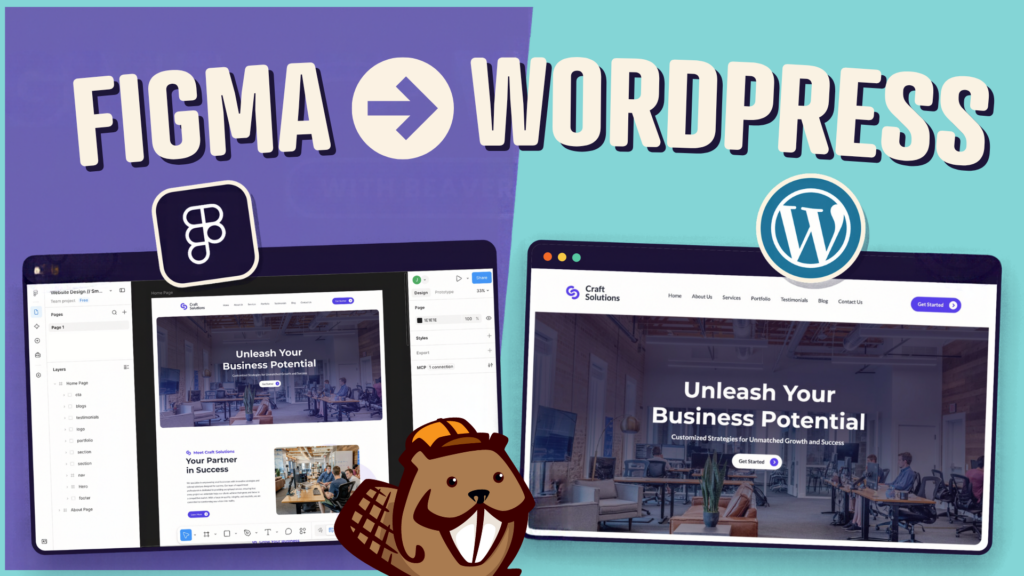
How do you turn a Figma design into a WordPress site without rebuilding every section by hand? It’s a common challenge for web designers who want to move from an approved design to a working website without spending days recreating layouts. With Claude and Beaver Builder AI, you can turn your Figma design into an…
Read MoreHow to Build an Editable WordPress Header and Footer With AI
Headers and footers are among the most repetitive parts of building a WordPress website. AI can speed up the process, but generating a design is only part of the job. You or your client still needs to be able to open, edit, and maintain the finished layouts in WordPress. That’s where editable AI-generated layouts come…
Read MoreBeaver Builder AI MCP Settings: Layout Mode and Layout Structure Explained
Beaver Builder AI has two MCP settings that shape AI-built pages. MCP Layout Mode controls what AI builds with: Native Modules, Custom Modules, or both (Hybrid). MCP Layout Structure controls how AI structures native layouts: Rows and Columns, or Box Modules. This post walks through each option so that you can choose the setup that…
Read MoreBeaver Builder AI 1.0.1: Native Layouts, Easier Connection Troubleshooting, and More

Released 09/14/2026. Requires Beaver Builder 2.11 or later. Full technical changelog: wpbeaverbuilder.com/change-logs Beaver Builder AI 1.0.1 is now available, bringing improvements to AI-connected workflows, native Beaver Builder layouts, Design Kits, Components, and more. This release focuses heavily on making AI-built pages more reliable, easier to troubleshoot, and more consistent with the way you build websites…
Read MoreBeaver Builder AI 1.0: Components, Image Prompting, and More
Beaver Builder AI 1.0 is now available. Current customers can download it from your My Account page. New to Beaver Builder and want to see what AI can do? We’ve launched a new AI demo that lets you jump right in and start building without having to install anything. Try it out and see how…
Read MoreBeaver Builder Design System: Keep AI-Generated Pages Consistent
Ever notice that some AI tools are great at building one page, but not always a complete website? Ask AI to create a single page, and it can deliver something impressive. Ask it to build an entire site, and inconsistencies can start to appear. A slightly different blue on page two. Smaller headings on page…
Read MoreBeaver Builder AI Design Kits vs. Design Systems: What’s the Difference?
The terms “design system” and “design kit” can mean different things in web design. In Beaver Builder AI, a Design System provides the visual foundation for your website’s design. A Design Kit packages that Design System with pages and global elements so you can build outside WordPress and bring the finished work into Beaver Builder…
Read MoreDesign Kits Explained: Build WordPress Websites Locally with AI

Beaver Builder AI gives you multiple ways to build WordPress websites with AI. This article focuses on the Design Kit workflow which lets you build websites locally with AI before importing them into WordPress. What Is a Design Kit? A Beaver Builder AI Design Kit is a folder of files that gives your AI coding…
Read MoreHow to Set Up Beaver Builder AI Chat: Install, Connect, and Start Building

Wondering how to set up Beaver Builder AI? In a previous article, we introduced three ways to build with Beaver Builder AI: Beaver Builder AI Chat vs MCP Connection vs Design Kits. Each one fits a different workflow. In this article, you’ll set up the built-in chat. By the end, you’ll have the plugin installed,…
Read MoreBeaver Builder AI Chat vs MCP vs Design Kits: Three Ways to Build
In a previous article, we covered what Beaver Builder AI is and how it works. Now let’s take a look at the different ways you can build with it. Beaver Builder AI gives you three workflows: built-in chat for visual editing inside WordPress, MCP for connecting an AI agent directly to your site, and Design…
Read More