

We’ve rebranded our plugin—really, we’ve just finally branded it. For the first five months on the market, we were calling our page builder “Fastline Page Builder”.
Introducing Beaver Builder
Since folks in the WordPress community didn’t know our company from Adam, and there were 15 other WordPress page builders in the market, we thought it might be practical to invent a product name that you could actually remember.
 That way, when someone asks you who built your website, you can now tell them, with a huge grin splashed across your face, “I did. I built it. And I used Beaver Builder!”
Ch-ch-changes
So now that the branding discussion has begun, you’re probably wondering “what else is different?”. The truth is, not a whole lot—yet.
Besides the new coat of paint (and cute little beaver mascot), we’re still trucking along as usual.
The name might be different across the board (the site actually has it’s own domain now, rather than just a subdomain), but the plugin still works exactly the same. We’re also using the same update number scheme, and you’ll continue to receive those updates in your WordPress panel without doing anything new.
Most importantly, we’re still offering the same kick-ass customer service and forum support for which we’re famous.
We just ask that when leaving a comment or question, you refer to the Beaver personally, since he’ll be answering all requests going forward. His name is Dan (that last part isn’t true, but we won’t begrudge you if you do want to communicate directly with the Beaver. Gosh, he’s cute 🙂
In closing, we’re still the same, but we’re not. We’re Beaver Builder, dang it! Yesterday, today and henceforth. Long live the Beaver! Long live Beaver Builder!

Start here

Beaver Builder AI Demo
Build a page with AI on a site that already has Beaver Builder and Beaver Themer installed. Free AI credits included.
1 Comment
Our Newsletter
Our newsletter is personally written and sent out about once a month. It's not the least bit annoying or spammy.
We promise.
Try Beaver Builder Today
Related articles
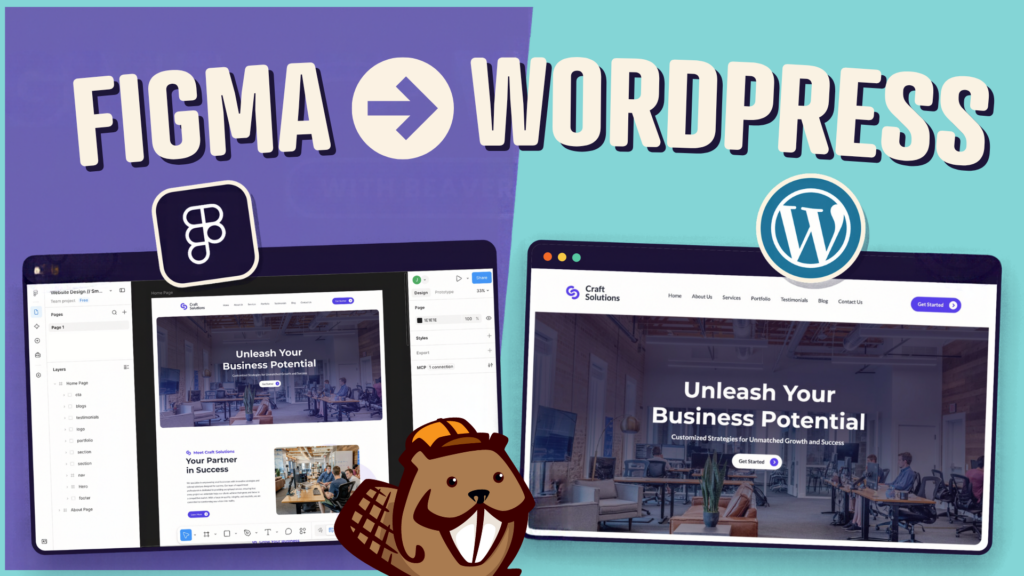
How to Convert Figma Design to WordPress (Claude + Beaver Builder AI)
 -
October 9, 2026
-
October 9, 2026
How do you turn a Figma design into a WordPress site without rebuilding every section by hand? It’s a common…
How to Build an Editable WordPress Header and Footer With AI
-
October 2, 2026
Headers and footers are among the most repetitive parts of building a WordPress website. AI can speed up the process,…

How to Convert a ChatGPT Site to WordPress (Beaver Builder AI)
 -
October 1, 2026
-
October 1, 2026
Hey everyone! If you’ve built a website design in ChatGPT, you’ve probably wondered how to get your ChatGPT site to…
Join the community
We're here for you
There's a thriving community of builders and we'd love for you to join us. Come by and show off a project, network, or ask a question.


Since 2014
Ready to build?
The WordPress page builder agencies and freelancers have trusted since 2014. Now with AI.
Just read in your recent newsletter and blog post about the loss of Jason. My condolences … so sorry to hear of this. And yes, I will definitely be reaching out to some old colleagues to catch up – so thank you for that.
RIP Jason.