
Build Dynamic WooCommerce Archive Pages with Beaver Builder’s Loop Module and ACF
 -
March 11, 2026
-
March 11, 2026
Default WooCommerce archive pages are functional, but can be clunky. They give you minimal control over layout, and displaying custom product data can be difficult without custom code. If you want an archive page that reflects your brand and surfaces the product details that matter most to shoppers, you need a better approach.
Beaver Builder’s Loop Module, combined with Beaver Themer and Advanced Custom Fields, lets you build fully custom WooCommerce archive pages that display dynamic product data such as images, prices, and custom attributes. This approach uses conditional logic and field connections without the need to know how to code.
The video above walks through a WooCommerce archive page build using an RC car store as the working example. Each product carries the following two custom attributes: power source (gas or electric) and top speed. The archive page displays the right badge for each product automatically, based on that data.
In this article, we take a look at how Beaver Builder, Beaver Themer, Advanced Custom Fields, and WooCommerce work together to create dynamic, data-driven archive pages:
The Loop Module Is the Engine
The Loop Module is what makes a layout dynamic. You design a single product card once, and the module repeats it automatically for every product that matches your query. Filter by WooCommerce product category, and the loop pulls in only the products you want. There is no need for manual updates as your catalog grows:
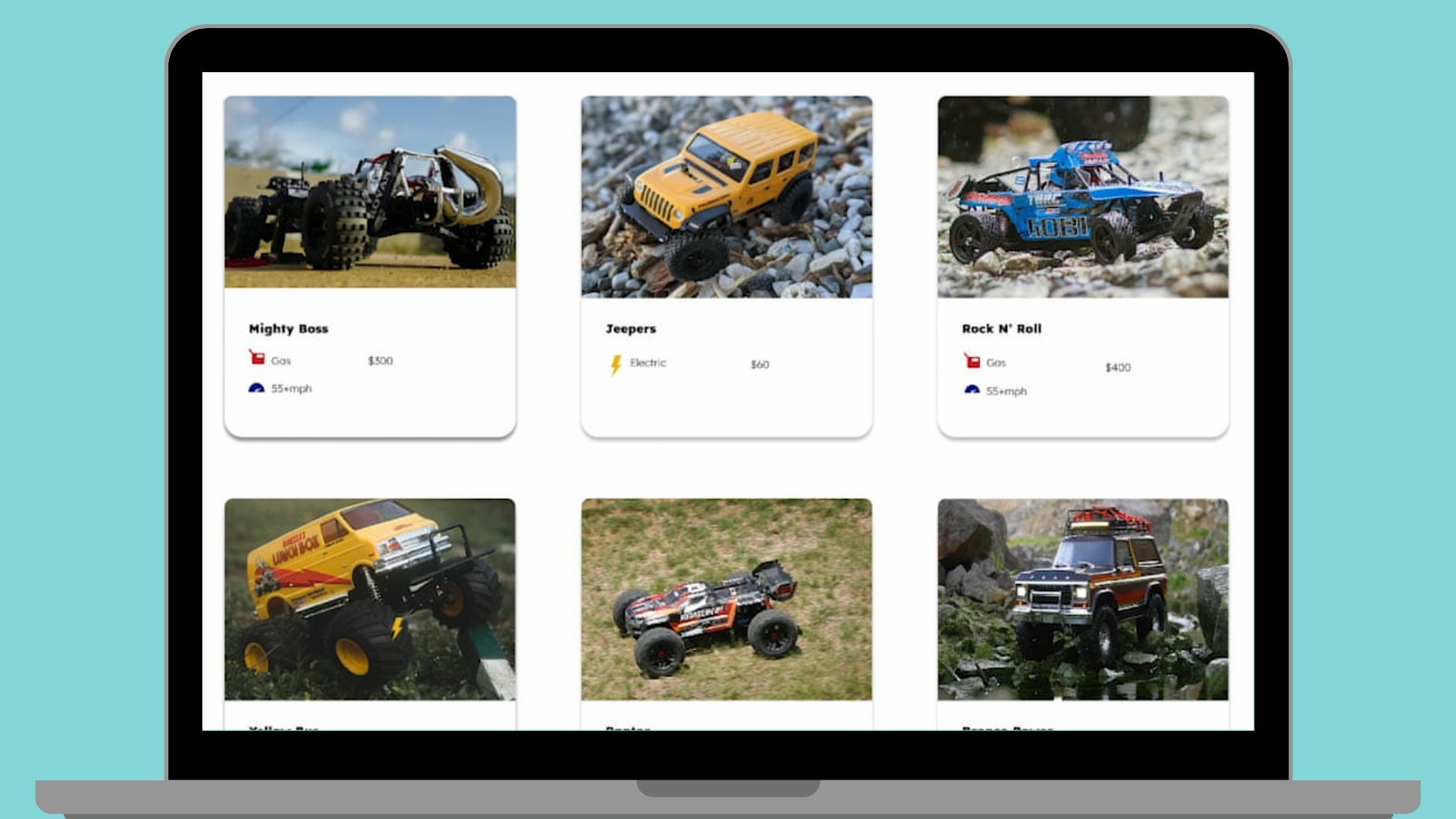
Field connections, provided by Beaver Themer, are what bring live product data into the card. Product images, titles, prices, and links to individual product pages all connect directly to their corresponding WooCommerce data. Change the data in WooCommerce and the archive page updates automatically.
Advanced Custom Fields (ACF) Extends WooCommerce
WooCommerce handles the basics such as price, images, and stock status well. But most stores need to surface product attributes that WooCommerce doesn’t store natively. That’s where Advanced Custom Fields comes in:
ACF lets you add custom fields directly to your WooCommerce products: a radio button for power source, a number field for top speed, or anything else your store needs. Assign that field group to a product category and every product in that category gets the same custom fields on the back end. Editors fill in the data, and Beaver Themer makes it available as a field connection on the front end.
Conditional Logic Makes the Layout Smart
The real power of this setup is conditional logic. Beaver Themer lets you show or hide any module or container based on conditions tied to ACF field values, WooCommerce data, or other post attributes:
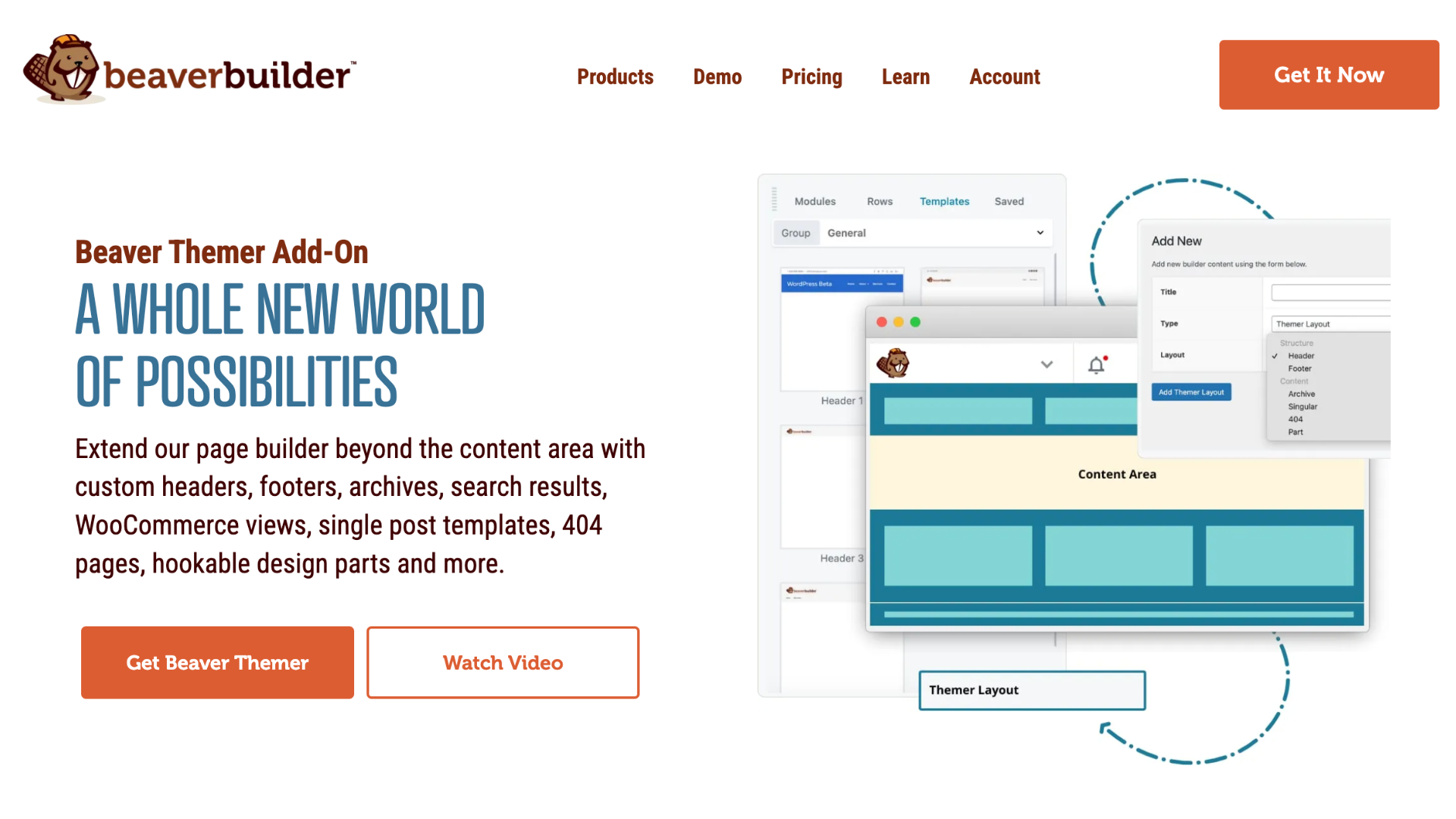
In the RC car example, a gas can badge appears only on gas-powered products, a lightning bolt only on electric ones, and a speedometer badge only on cars with a top speed at or above 55 mph. Each product card looks different, but you only built the layout once. The logic handles the rest automatically.
This approach works just as well for any store with variable product attributes: dietary labels on food products, compatibility badges on tech accessories, size or fit notes on apparel. If the data lives in ACF, conditional logic can display it.
Why This Beats the Default WooCommerce Archive
The default WooCommerce archive template is the same for every store. It doesn’t know anything about your brand, your shoppers, or the unique attributes that make your products worth buying. Swapping it out with a Beaver Themer archive layout and a Loop Module gives you:
- A design that matches your brand from the ground up
- Dynamic product data displayed exactly where and how you want it
- Conditional badges and labels that highlight key product features automatically
- Clickable product cards that link directly to individual product pages
- A layout that scales with your catalog without any additional manual work
And because everything is built visually inside Beaver Builder, none of it requires complex code.
What You Need to Get Started
This workflow requires the following four tools working together:
Your WooCommerce products should be added and organized into categories before you begin, since category assignment is how the Loop Module knows which products to pull in and how ACF knows which products should display your custom fields.
The video, Beaver Builder Loop Module Tutorial: Dynamic WooCommerce Product Grid with ACF, covers the full build in detail: from setting up the ACF field group and configuring the Themer layout, to building the product card, connecting field data, and setting up conditional logic rules. I suggest watching it once through before you start, and then going back to begin building.
Frequently Asked Questions About Dynamic Layouts
The Loop Module lets you design a single layout that repeats dynamically for every post, page, or product in a given query. It’s the foundation for building custom archive pages, product grids, blog posts, and any other repeating content layout inside Beaver Builder.
Yes, you need the Beaver Themer plugin in order to customize WooCommerce archive pages using Beaver Builder. WooCommerce archive pages are generated outside the standard page builder context, so Beaver Builder alone can’t replace them. Beaver Themer is what lets you create a custom layout that overrides the default archive template. Beaver Themer is included with the purchase of any premium Beaver Builder package.
Yes, Beaver Themer includes native support for Advanced Custom Fields field connections. You can pull ACF field values into any module inside your layout, and use those values as sources for conditional logic rules.
Conditional logic in Beaver Themer lets you show or hide any module or container based on conditions you define. When you connect those conditions to ACF field values, like a radio button selection or a number field, modules appear or disappear automatically based on each product’s data.
The Loop Module works with any WordPress post type. The same combination of field connections, ACF, and conditional logic applies to custom post types for real estate listings, restaurant menus, team member directories, and more.
The Takeaway
Beaver Builder’s Loop Module, paired with Beaver Themer and Advanced Custom Fields, turns a static WooCommerce archive into a dynamic, data-driven product page that reflects your brand, surfaces the attributes shoppers actually care about, and scales automatically as your catalog grows. All of it is built visually, without writing a line of code.
Watch the full video, Beaver Builder Loop Module Tutorial: Dynamic WooCommerce Product Grid with ACF, to follow the complete build from start to finish.

Our Newsletter
Our newsletter is personally written and sent out about once a month. It's not the least bit annoying or spammy.
We promise.
Try Beaver Builder Today

Related articles

Beaver Builder AI: Build WordPress Layouts with AI (Now in Alpha)
 -
June 10, 2026
-
June 10, 2026
Hey everyone! Big news. After a long time of building behind the scenes, Beaver Builder AI is here. The alpha…

How Beaver Builder Products Work Together to Build Flexible WordPress Websites
-
May 21, 2026
Building a WordPress website often means stitching together a theme from one developer, a page builder from another, and a…

From Azeroth to WordPress: How Warcraft Tavern Uses Beaver Builder
 -
May 19, 2026
-
May 19, 2026
Since releasing Beaver Builder 12 years ago, a feeling will come up from time to time that just never gets…
Join the community
We're here for you
There's a thriving community of builders and we'd love for you to join us. Come by and show off a project, network, or ask a question.


Since 2014
Build Your Website in Minutes, Not Months
Join Over 1 Million+ Websites Powered By Beaver Builder.