
25 Best Digital Marketing Tools to Grow Your Business Online
 -
February 19, 2026
-
February 19, 2026
Digital marketing evolves quickly, and businesses that want to scale need the right set of tools to simplify workflows, automate processes, and improve results. Whether you’re running a fast-growing agency, scaling a personal brand, or launching your next online store, choosing the right digital marketing tools can dramatically improve visibility, conversions, and overall performance.
With so many platforms available today, it can be challenging to identify what’s actually worth using.
This guide breaks down the best digital marketing tools across SEO, email marketing, social media, content creation, automation, analytics, WordPress, and everything you need to grow your business online.
What Are Digital Marketing Tools?
Digital marketing tools are software platforms designed to help businesses attract, engage, convert, and retain customers online. These tools assist with tasks like:
- SEO and keyword research
- Social media posting and analytics
- Email marketing and automation
- Content creation and optimization
- Website tracking and performance
- Lead generation and CRM
- Design, video, and sales funnel building
Today, even small businesses rely on digital tools to streamline tasks and improve efficiency. Whether you’re using WordPress themes, a landing page builder, or advanced SEO platforms, the right tools stack can make a measurable difference.
Top 25 Digital Marketing Tools to Grow Your Business Online
This list covers the most trusted tools used by marketing teams, agencies, freelancers, and entrepreneurs worldwide.
SEO & Website Optimization Tools
1. Google Analytics 4
Google Analytics 4 is a free tool used to track website traffic, user behavior, and conversions. It provides granular insights into what’s driving engagement and where improvements are needed.
Best for: Tracking KPIs, audience insights, and user paths.
2. Google Search Console
Google Search Console is essential for SEO reporting, keyword visibility, indexing, and identifying technical issues.
Pro tip: Check your “Search Results” report weekly to identify rising queries and new keyword opportunities.
3. Ahrefs

Ahrefs is a powerful SEO tool known for backlink audits, keyword research, rank tracking, and competitor analysis..
Best for: Businesses that rely heavily on organic content and backlink strategy.
4. SEMrush

Semrush is an all-in-one SEO platform offering keyword research, site audits, advertising research, and content optimization tools.
5. AIOSEO
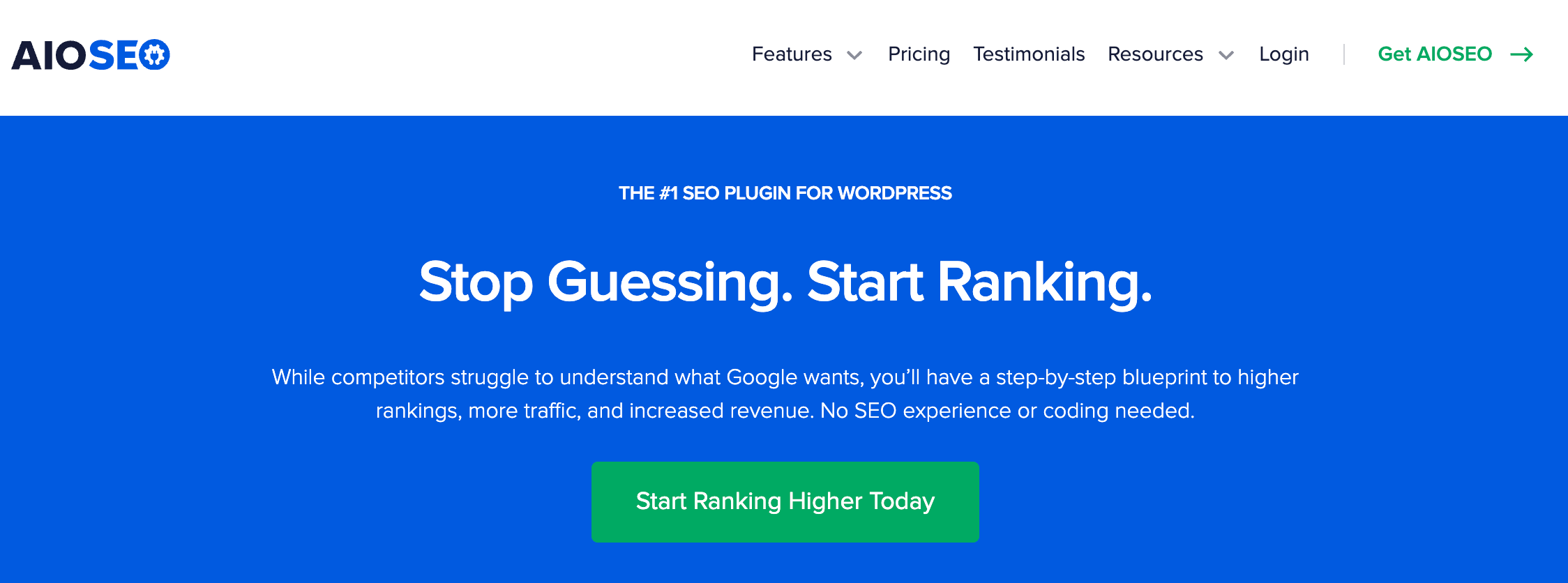
AIOSEO is a beginner-friendly SEO plugin for WordPress that offers on-page optimization, schema setup, and readability scoring. It’s a great option for streamlining your WordPress SEO workflow.
Useful For: Small businesses and bloggers.
Content Creation & Optimization Tools
6. Grammarly

Checks grammar, clarity, tone, and helps polish all marketing content from blogs to emails.
7. Jasper (AI Writing Assistant)
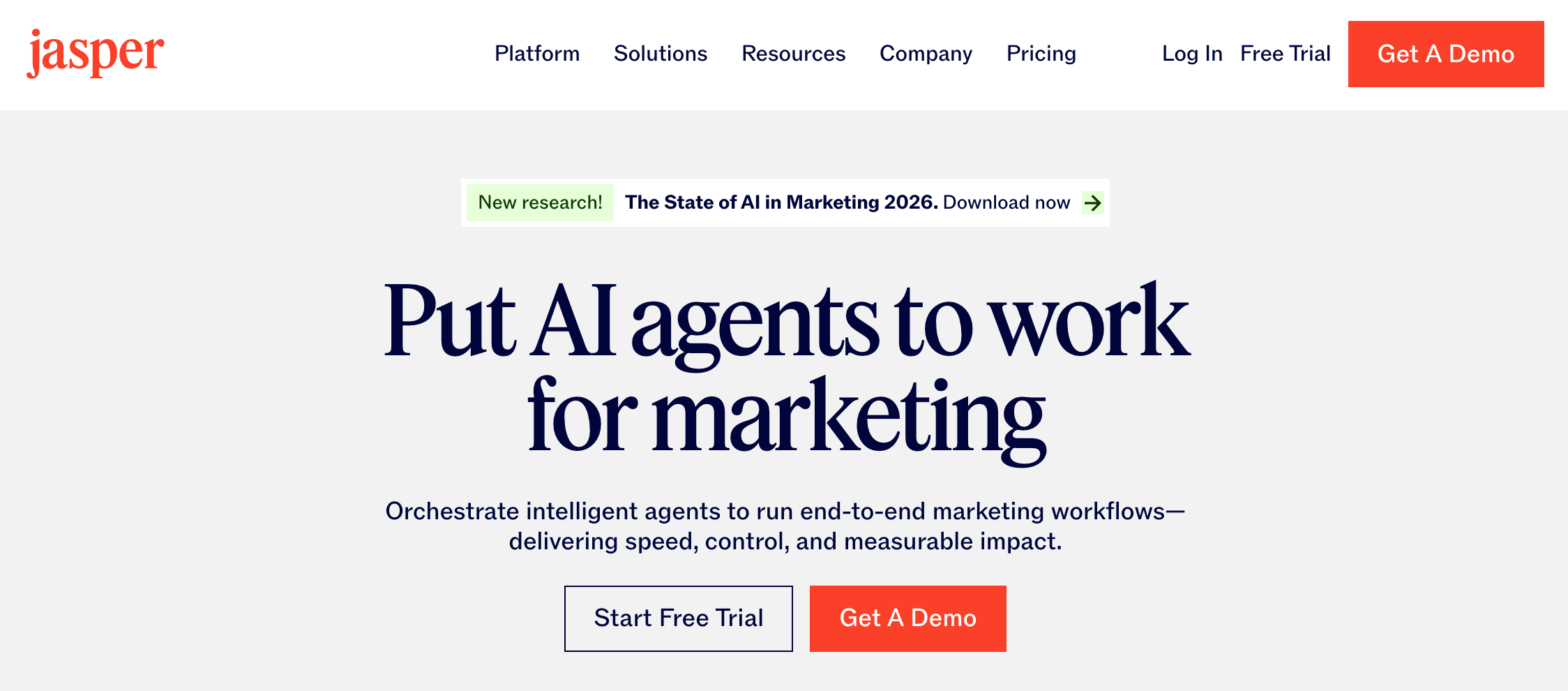
Ideal for marketers needing help with outlines, long-form content, ads, and product descriptions.
8. SurferSEO

Combines keyword research with content optimization tools. Helps create SEO-friendly content that ranks faster.
Best for: Teams managing high-volume blog production.
9. Canva
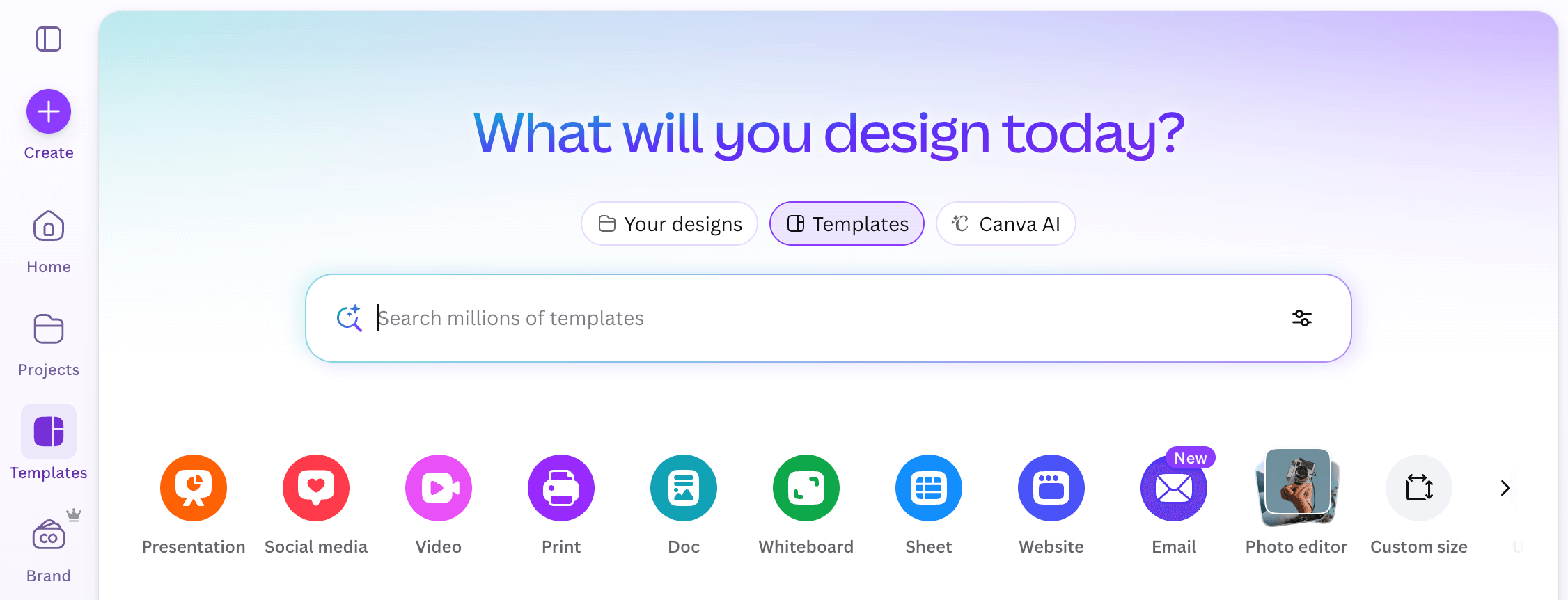
A go-to design platform for creating social posts, banners, ads, infographics, and website graphics.
Pro tip: Use your brand kit in Canva to maintain a consistent design across campaigns.
10. Notion
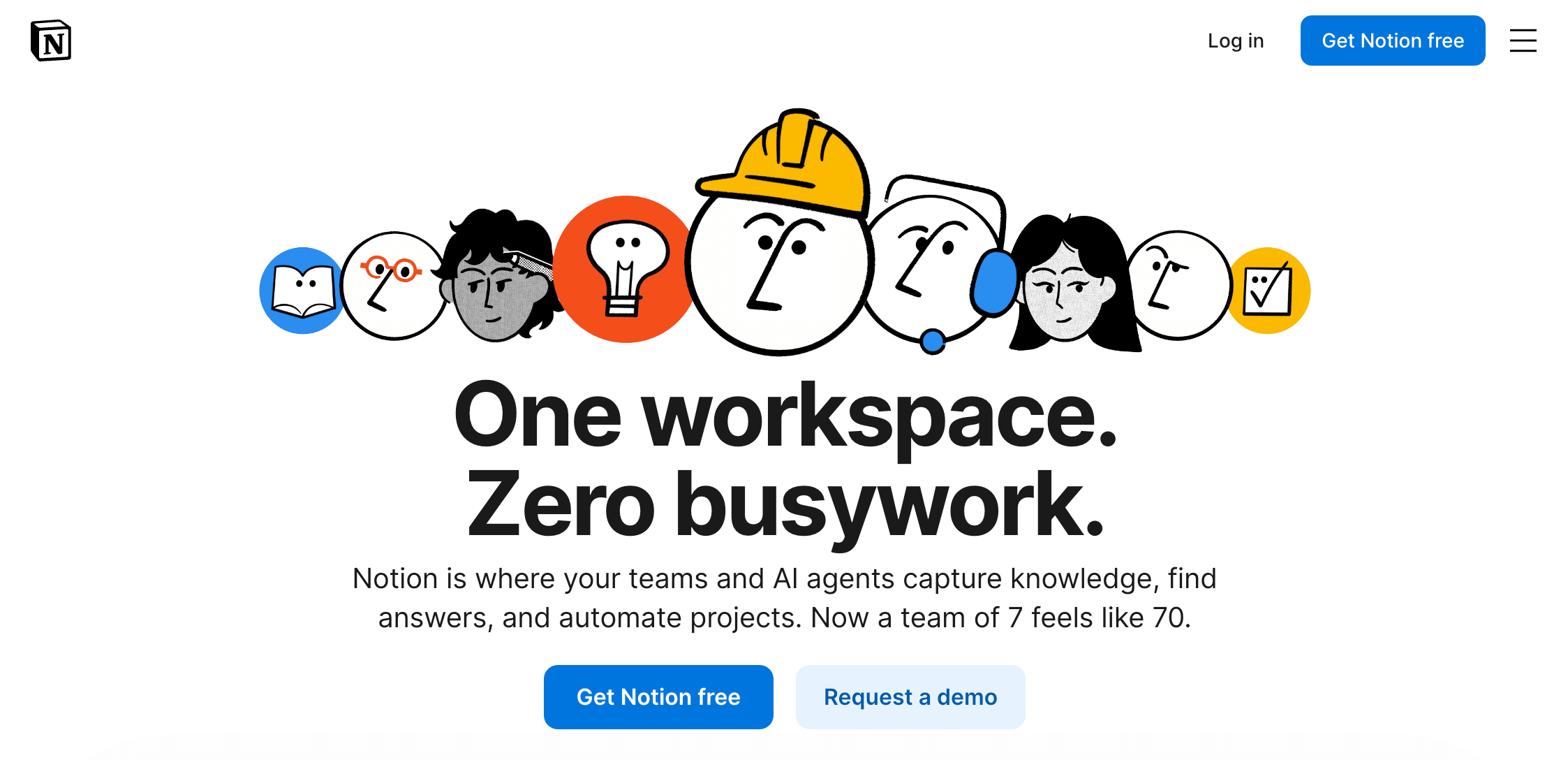
For content planning, blog calendars, SOP documentation, and team collaboration.
Social Media Marketing Tools
11. Buffer
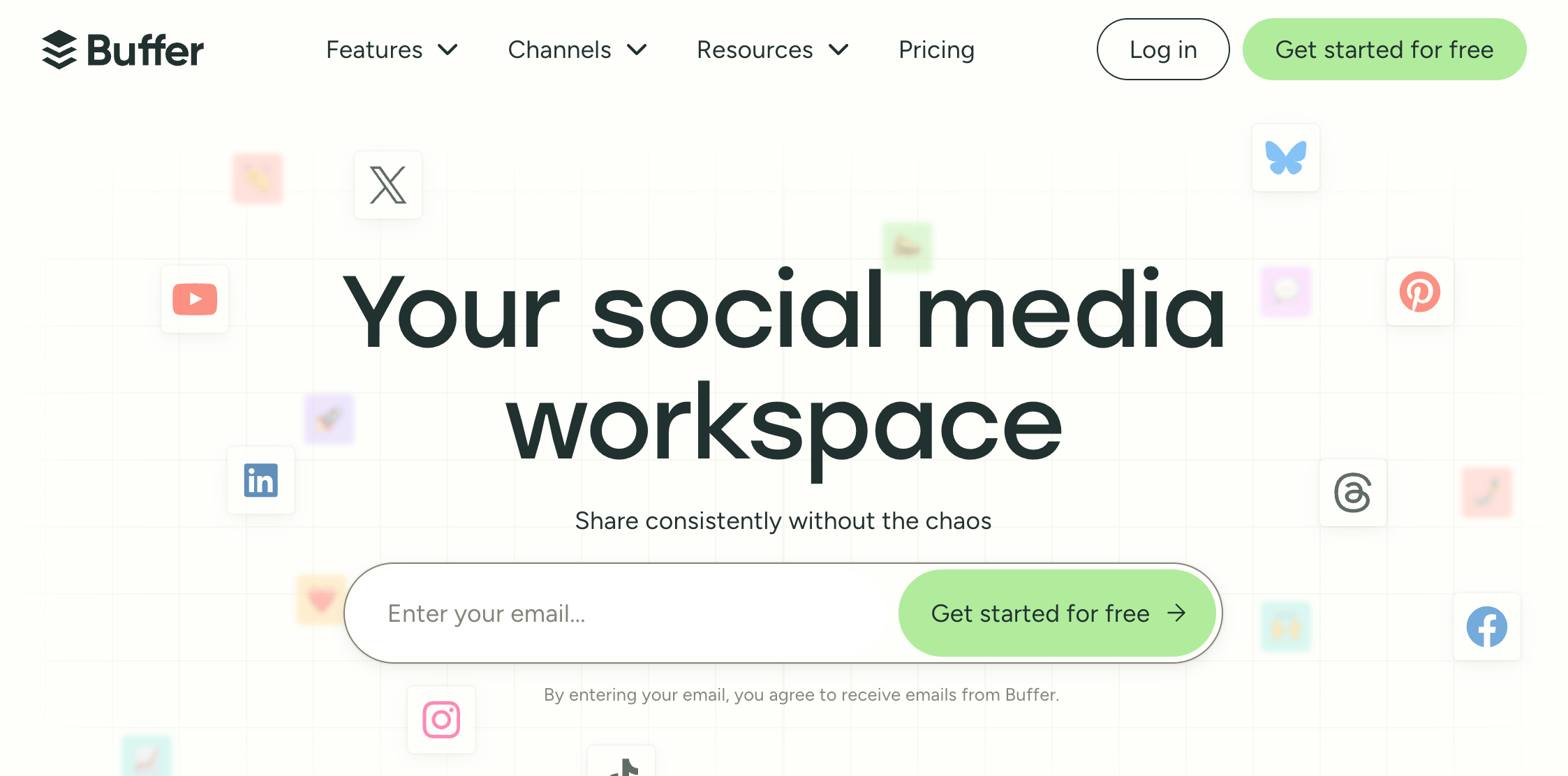
Makes scheduling posts, analyzing performance, and planning campaigns easy for small teams.
12. Hootsuite
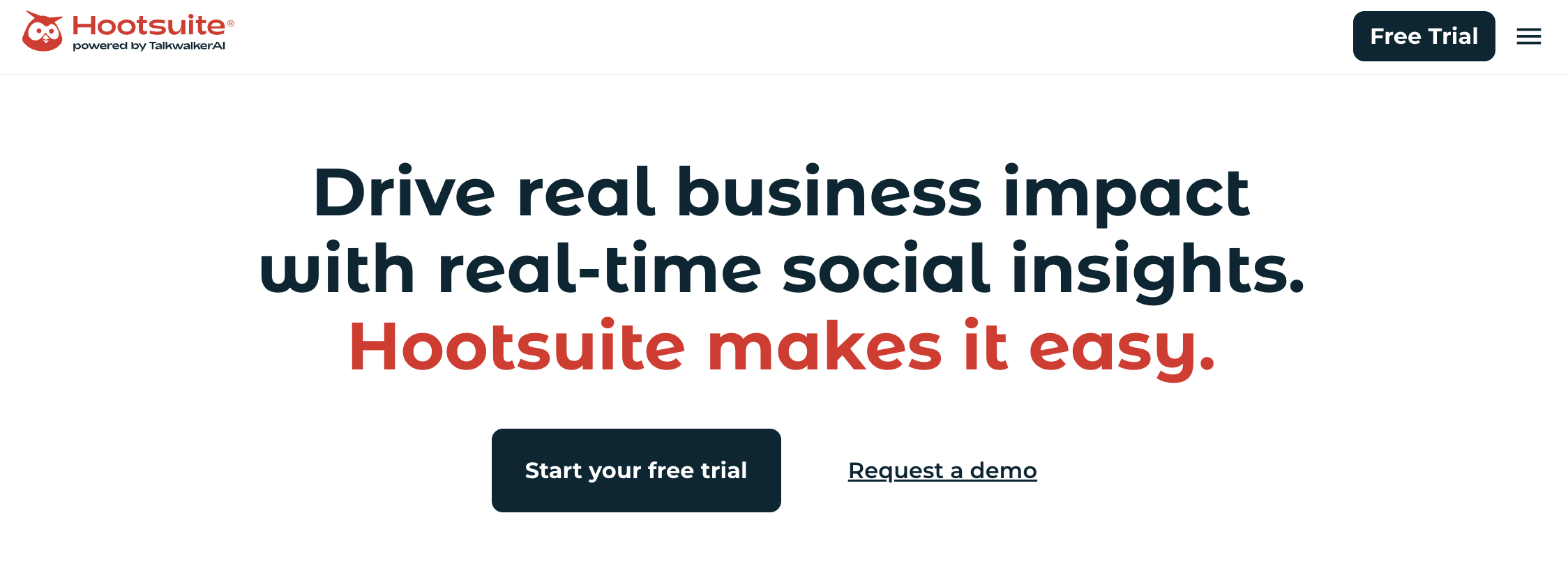
An enterprise-level social media scheduler with deeper analytics, competitor insights, and listening features.
13. Meta Business Suite
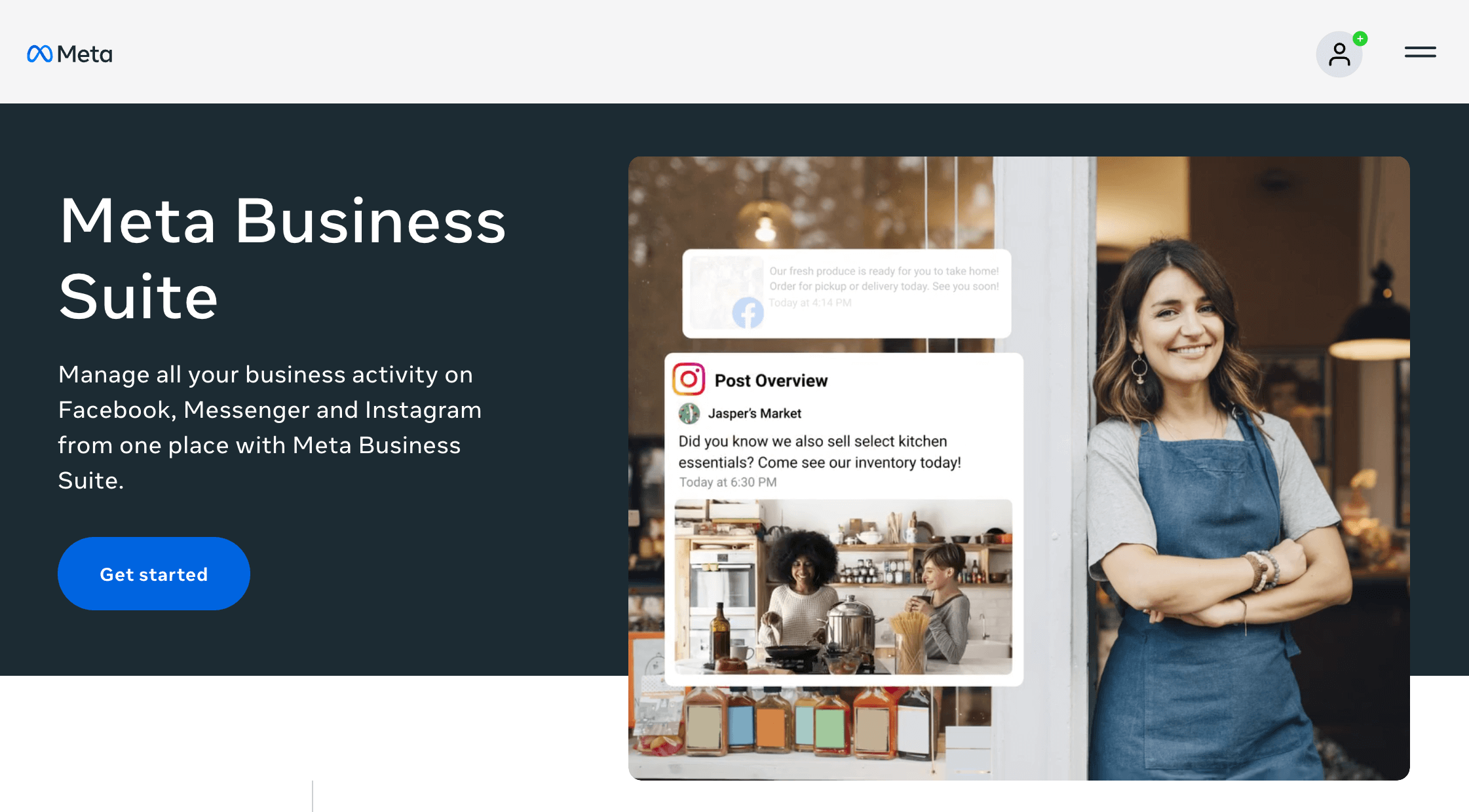
Essential for running and optimizing Facebook and Instagram ads.
14. Later

Later is a social media scheduling tool especially popular for visual-first platforms like Instagram, TikTok, and Pinterest, though it also supports Facebook, LinkedIn, X, and YouTube. specifically designed for Instagram, TikTok, and Pinterest.
Email Marketing & Automation Tools
15. Brevo
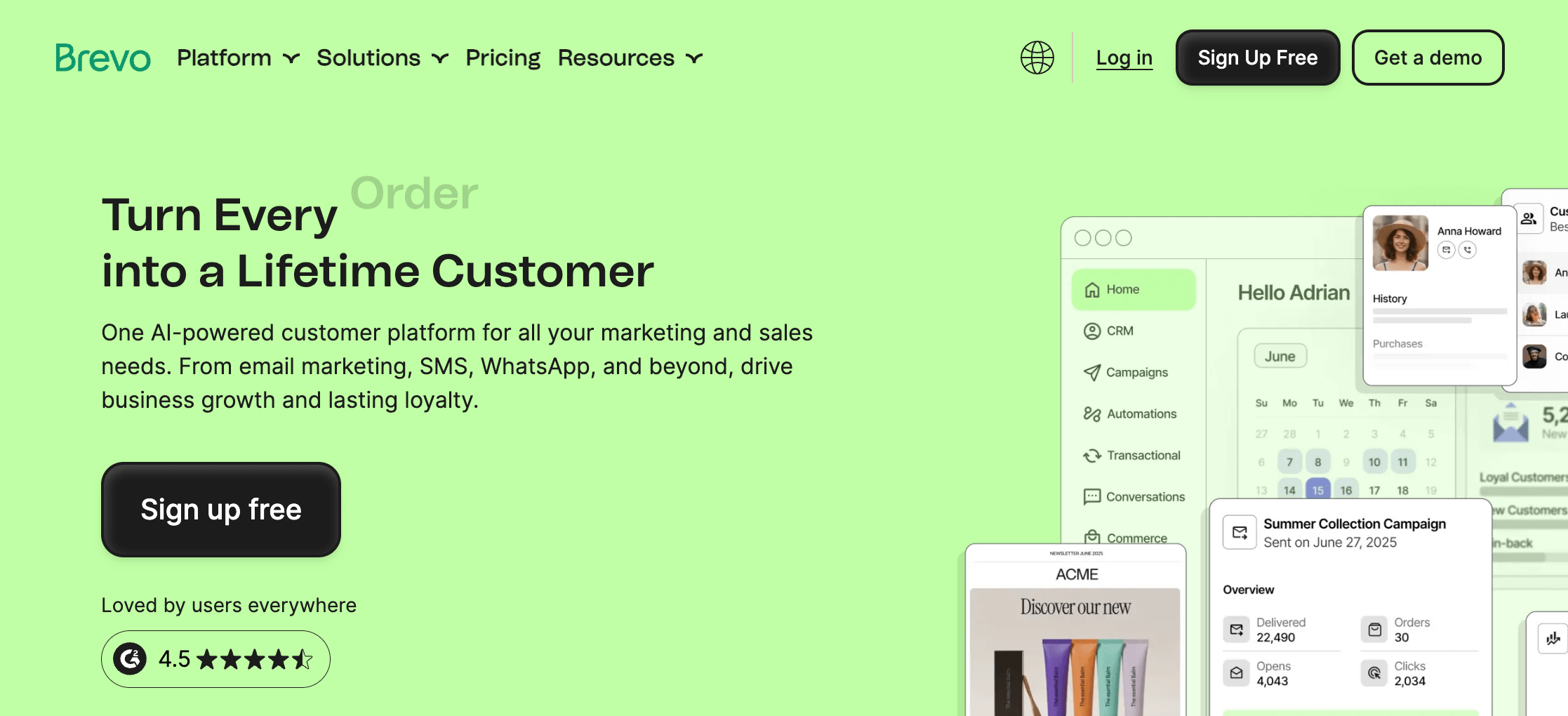
Brevo (formerly Sendinblue) is a powerful email and automation platform with free plan options. It’s ideal for newsletters, workflows, and SMS marketing.
16. Mailchimp
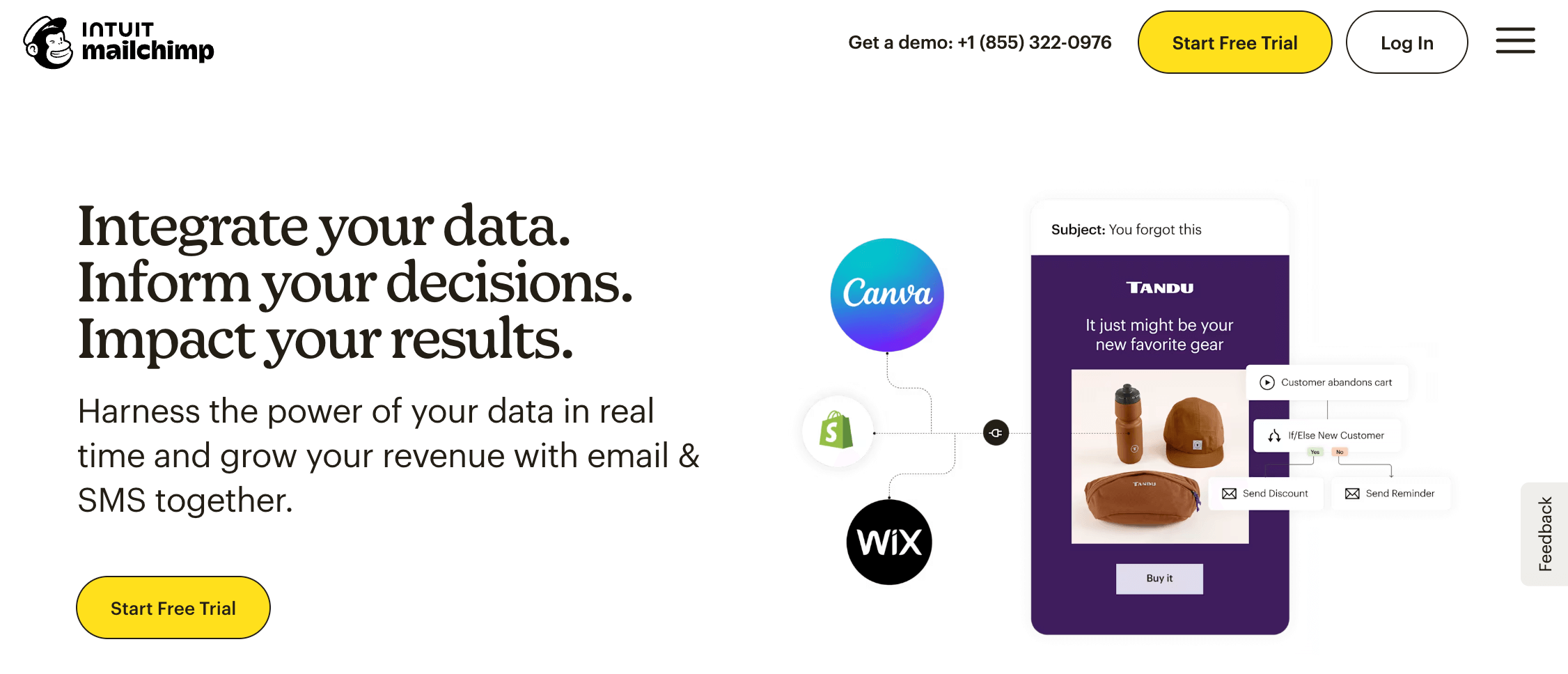
Mailchimp is an all-in-one email platform offering list management, templates, automation, and analytics.
17. Kit
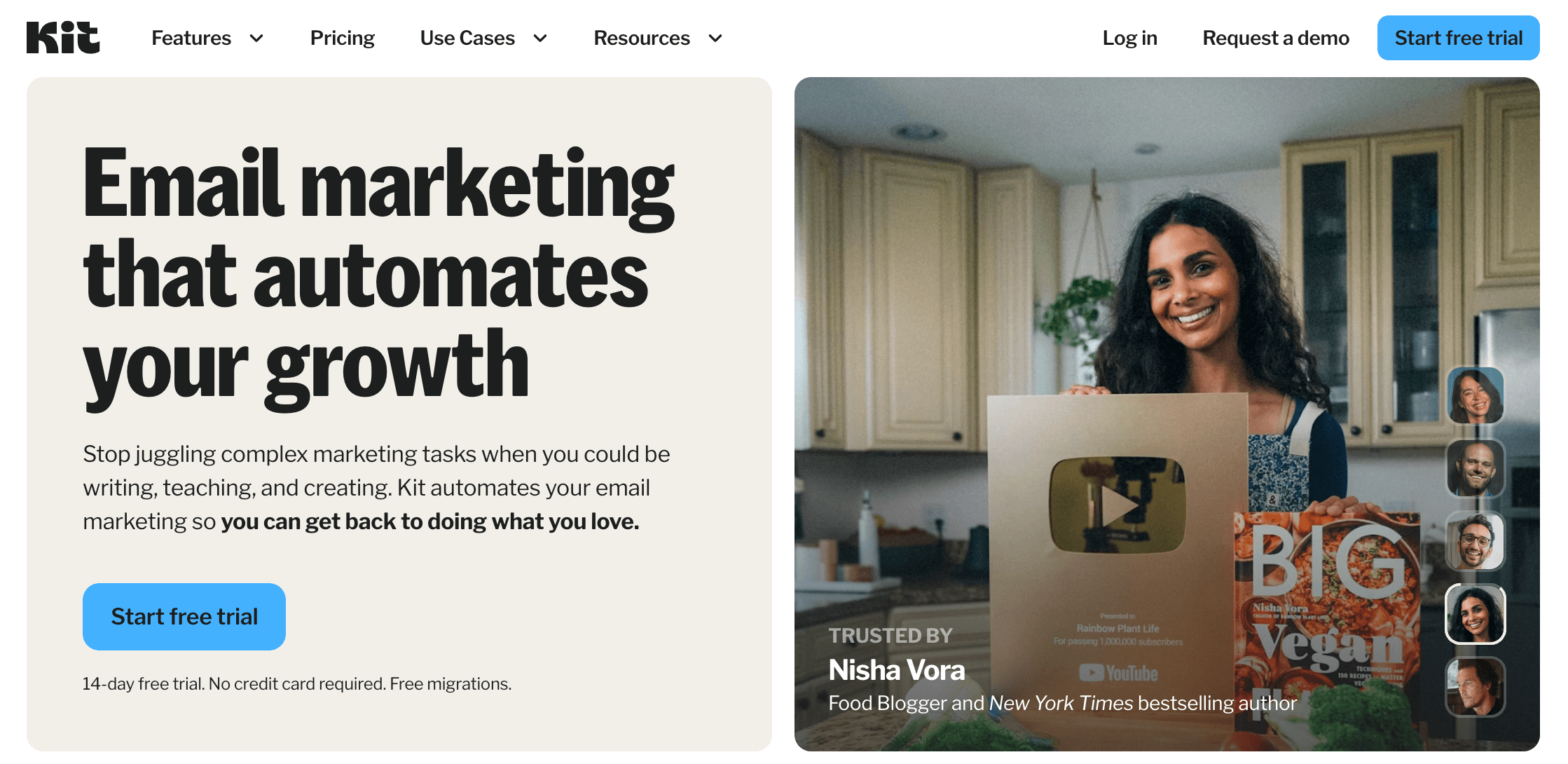
Kit (formerly ConvertKit) is favored by creators, influencers, and educators for its automation workflows and landing pages.
18. HubSpot

HubSpot is a great choice for businesses that want CRM, email automation, and analytics all in one ecosystem.
Landing Page, Funnel & Website Building Tools
19. Beaver Builder
A powerful WordPress page builder plugin used to create landing pages, sales funnels, and complete site layouts without coding.
Best for: Agencies, freelancers, and businesses wanting a drag-and-drop design process.
20. WordPress
The most popular CMS globally ideal for blogs, business websites, and online stores.
Lead Generation & Conversion Tools
21. OptinMonster
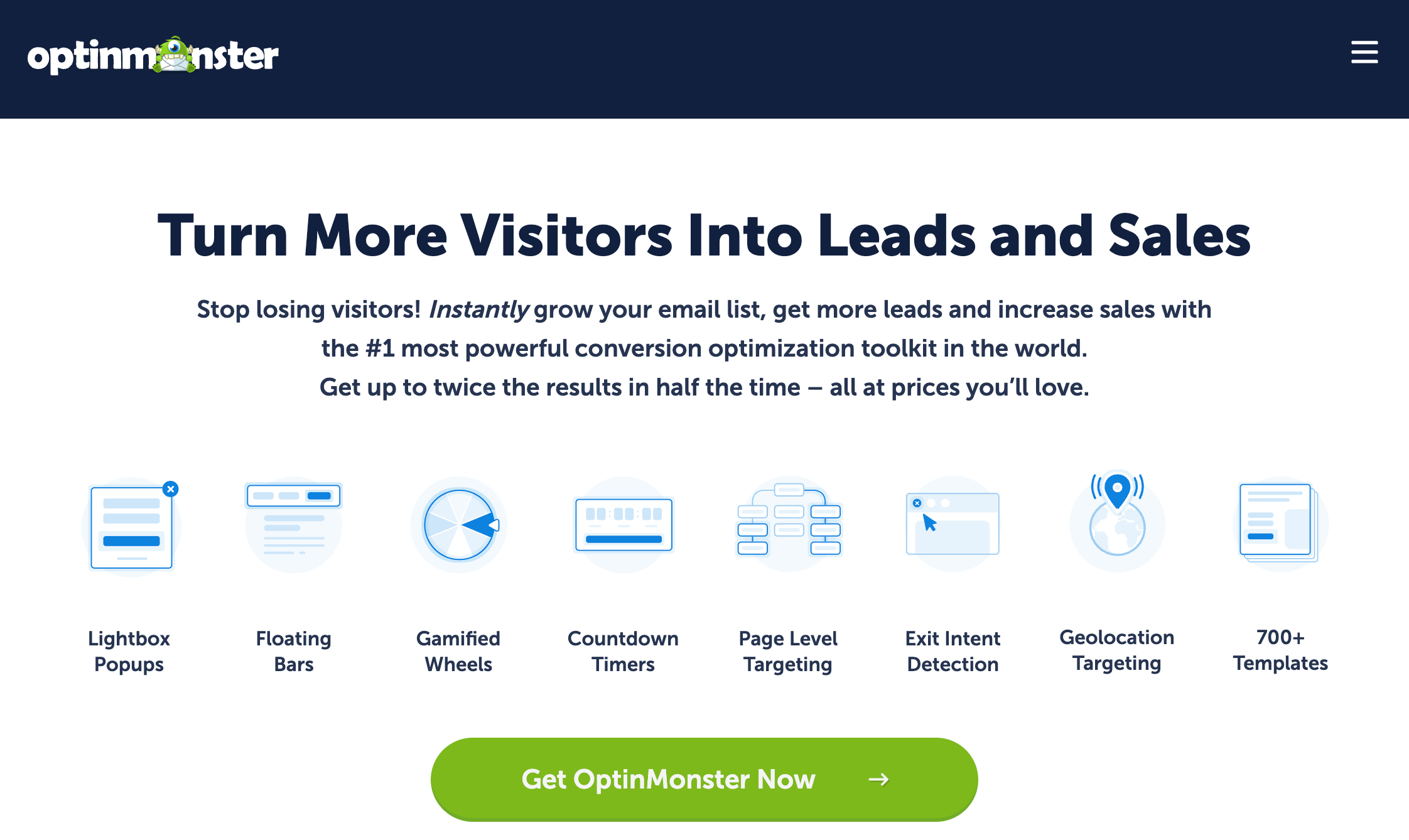
OptinMonster is one of the most popular lead-generation tools, offering pop-ups, exit-intent forms, and lead magnets.
Best For: Growing email lists and improving conversions.
22. Hotjar
Hotjar is a visual analytics tool that reveals how visitors interact with your website through heatmaps and session recordings.
23. Typeform
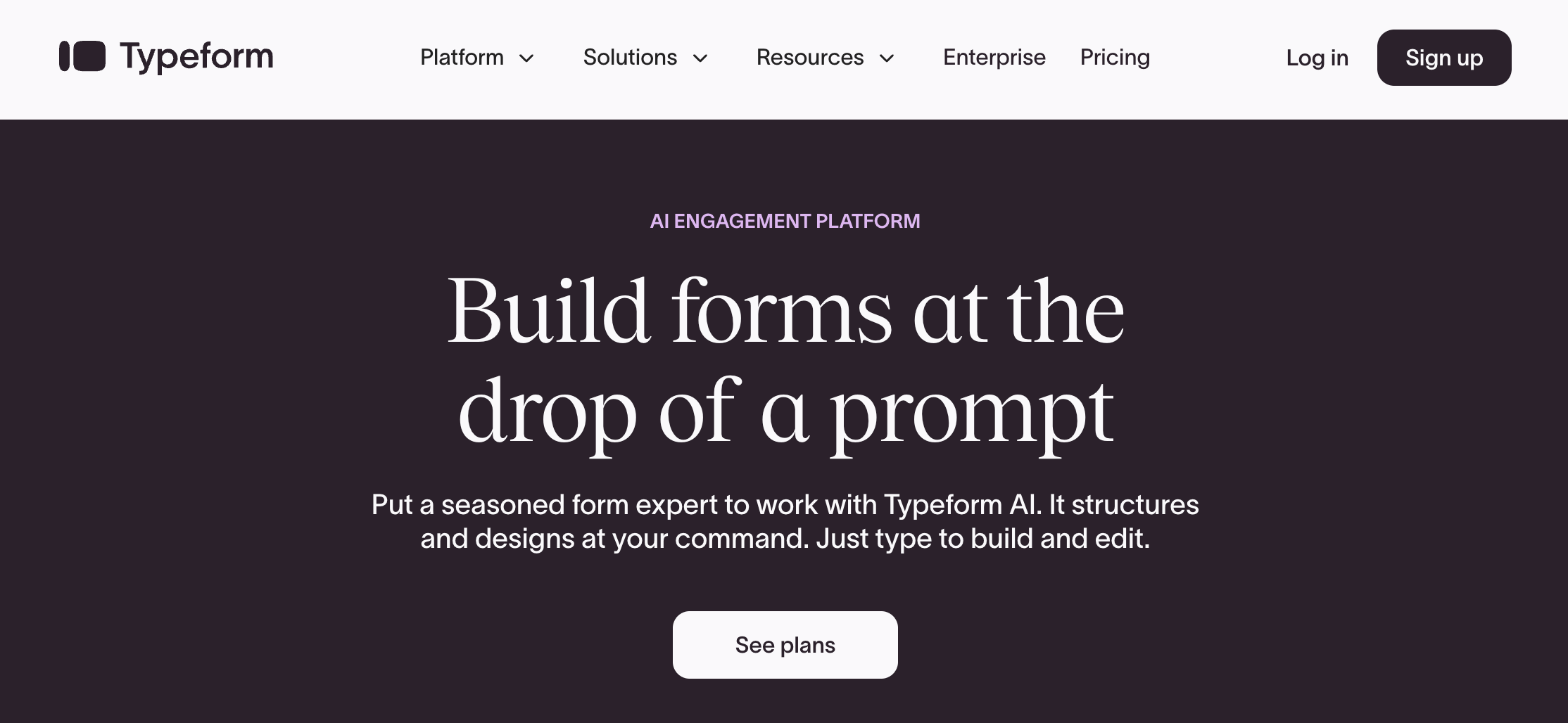
Typeform lets you create conversational forms and surveys that feel engaging and interactive.
Project Management & Productivity Tools
24. Trello
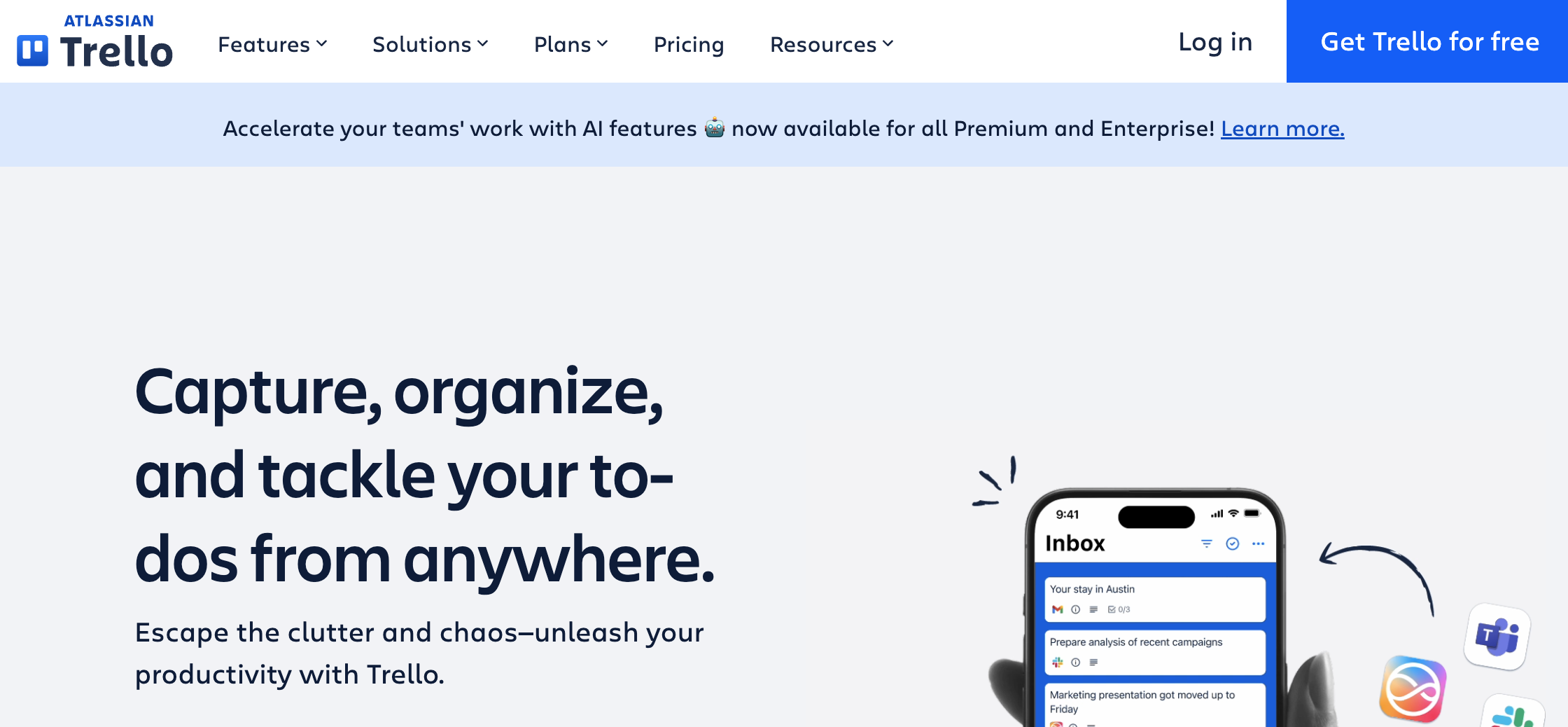
Trello is a card-based project management system perfect for content calendars, social media planning, and workflow tracking.
25. Asana
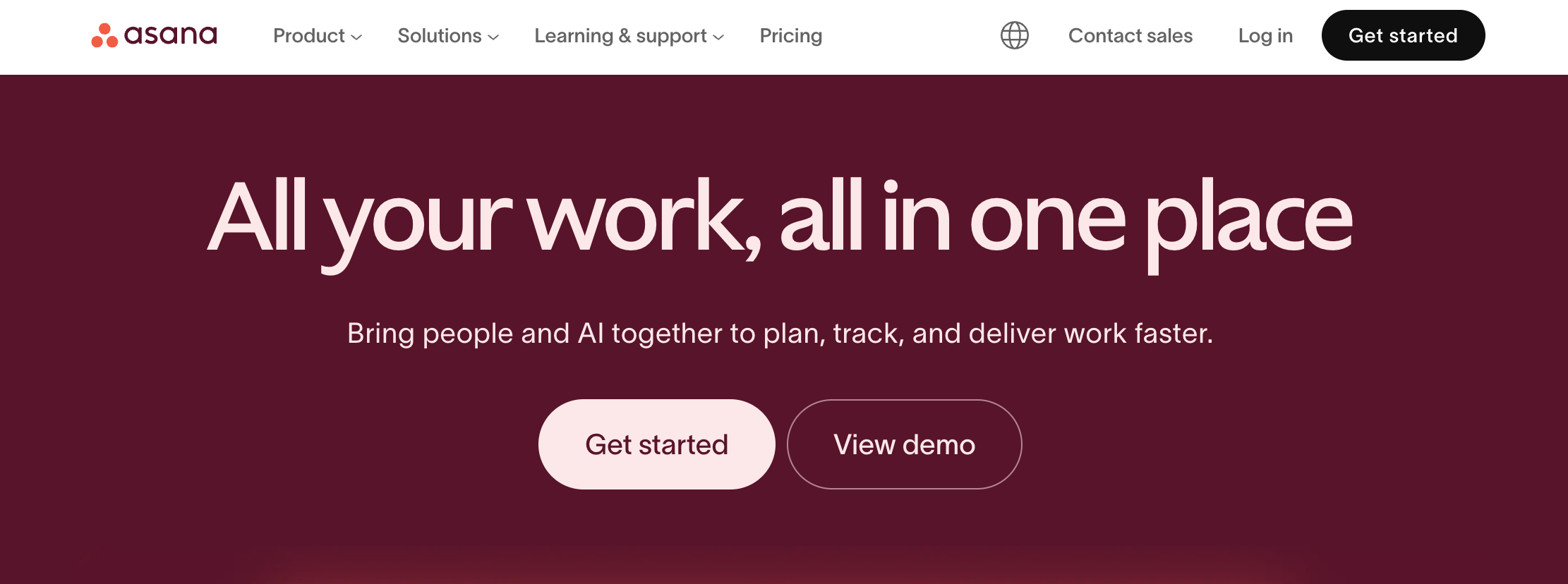
Asana is ideal for teams managing complex campaigns with multiple stakeholders, deadlines, and assets.
How to Choose the Right Digital Marketing Tools (Without Overspending)
With hundreds of tools available, choosing the right ones depends on your goals, team size, and business needs. Here’s what matters most:
1. Identify Your Core Marketing Goals
Ask yourself what you’re looking to achieve. Are you trying to…
- Increase SEO traffic?
- Generate leads?
- Improve social media engagement?
- Build a website quickly?
- Automate email workflows?
Your primary goal will determine your tool stack.
2. Pick Tools That Integrate Well
Your marketing tools should sync together. For example:
- WordPress + Beaver Builder + WooCommerce
- HubSpot + Brevo
- Buffer + Canva
Integrations reduce manual work and ensure consistent data.
3. Prioritize Tools That Scale
Freelancers need simple tools. Agencies need multi-site management and reusable templates.
You can easily manage multiple projects using a tool like Beaver Builder’s manage multiple WordPress sites best-practices guide.
4. Don’t Ignore Website Performance
Tools can help optimize your site speed, SEO structure, and layout. Look for:
- caching plugins
- SEO plugins
- WordPress SEO tools
- A SEO optimized website theme
These directly affect rankings and conversions.
Pro tip: Don’t chase every shiny new tool. Build a lean, efficient stack that covers your essentials, website, email, social, analytics, and SEO.
Sample Digital Marketing Tool Stack for Small Businesses
To simplify things, here’s a recommended starter stack:
| Website | Beaver Builder | Easy drag-and-drop design |
| SEO | AIOSEO | On-page optimization |
| Analytics | GA4 | Free and accurate |
| Brevo | Automation + newsletters | |
| Social Media | Buffer | Simple scheduling |
| Content | Canva | Consistent branding |
This lean stack is affordable and effective for businesses starting.
Sample Tool Stack for Agencies & Freelancers
Agencies and freelancers need more advanced functionality, automation, and multi-client management.
| Website | Beaver Builder | Faster client delivery |
| Project Management | Asana | Team collaboration |
| SEO | Ahrefs | Advanced audits |
| Social Media | Hootsuite | Streamlines client posting |
| Forms | HubSpot | Lead tracking |
| Content | Jasper | High-volume content support |
Freelancers looking to scale will especially appreciate the flexibility of a page builder like Beaver Builder, which supports reusable templates, faster turnarounds, and brand consistency.
Final Thoughts: Turn Your Tool Stack Into Real Growth
Digital tools alone won’t grow your business, but the right combination paired with strategy absolutely can. When used effectively, the tools above help you attract more visitors, convert leads into customers, and automate repetitive tasks so your marketing team can focus on high-impact work. Whether you’re optimizing your WordPress site, managing campaigns across platforms, or scaling as an agency, leveraging the right digital marketing tools is the key to increasing visibility and reaching new audiences.

Our Newsletter
Our newsletter is personally written and sent out about once a month. It's not the least bit annoying or spammy.
We promise.
Try Beaver Builder Today

Related articles

Struggling with CSS Grid? Turn This On in Beaver Builder
 -
April 3, 2026
-
April 3, 2026
CSS Grid is powerful, but it can be hard to work with when you can’t clearly see your layout. Beaver…
How to Push Content to the Bottom of a Box in Beaver Builder (Flexbox Solution)
-
March 18, 2026
How do you get a button to stay pinned at the bottom of a card? It’s a common problem where…

Build Beaver Builder Sites with AI
-
March 12, 2026
Building a WordPress website still involves many repetitive steps such as writing copy, structuring layouts, generating images, and refining design…
Join the community
We're here for you
There's a thriving community of builders and we'd love for you to join us. Come by and show off a project, network, or ask a question.


Since 2014
Build Your Website in Minutes, Not Months
Join Over 1 Million+ Websites Powered By Beaver Builder.