


Assistant Pro is a web-based app that helps you manage WordPress content in the cloud. It also includes a marketplace where you can sell, buy, or download free WordPress templates. Whether you’re building client sites or managing your own content library, it gives you a central place to keep everything organized.You can connect to Assistant Pro in two different ways; Using the Assistant plugin or using the Beaver Builder Page Builder plugin’s integrated cloud connectivity (Beaver Builder Cloud).
Option 1: Connect Using the Assistant Plugin
The Assistant plugin is a free plugin developed by the Beaver Builder Team.
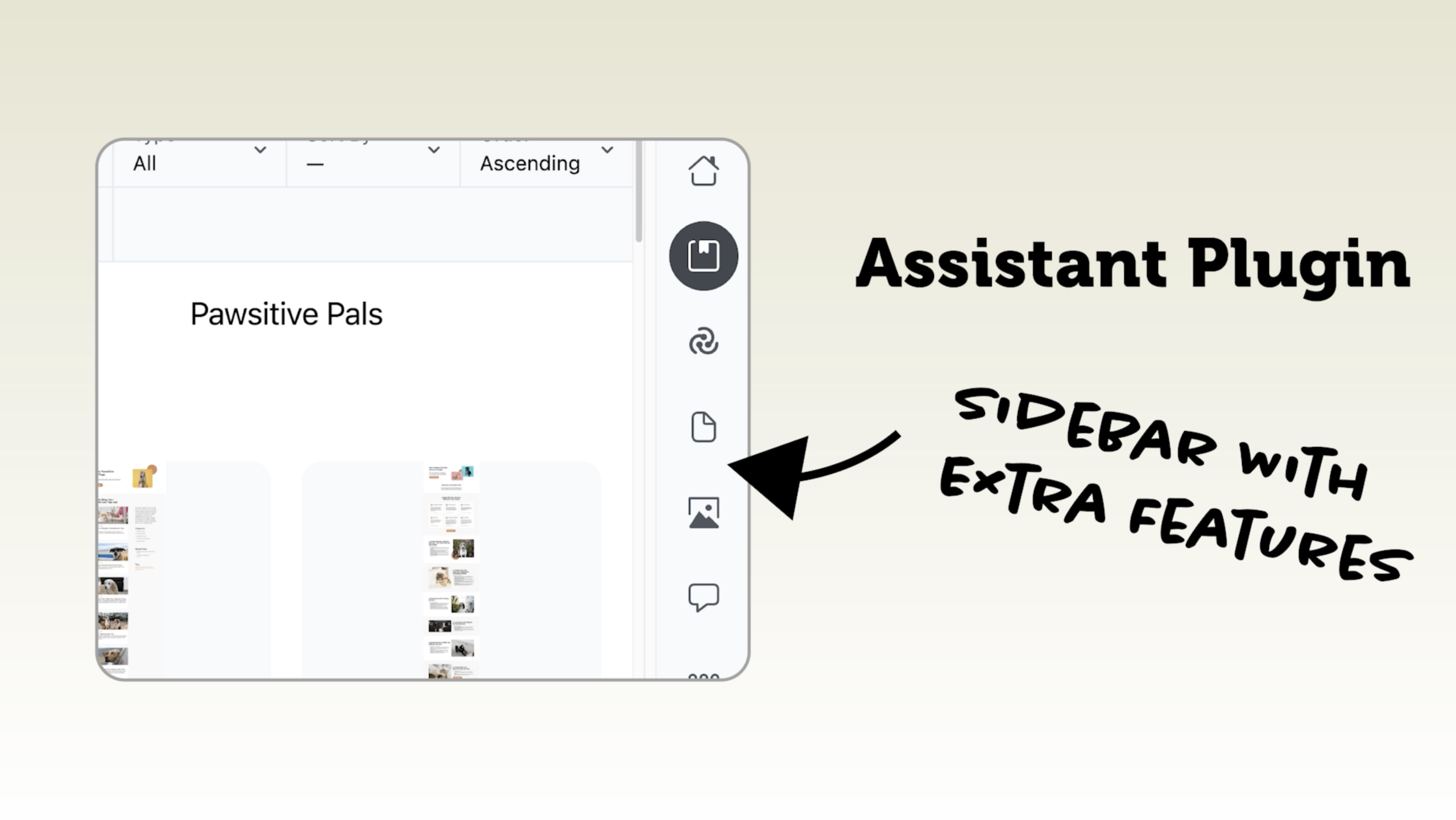
This setup gives you more than just cloud storage. You can navigate and manage your site content from the front end, which can be a big workflow improvement.
Option 2: Connect Using Beaver Builder Cloud (No Extra Plugin)
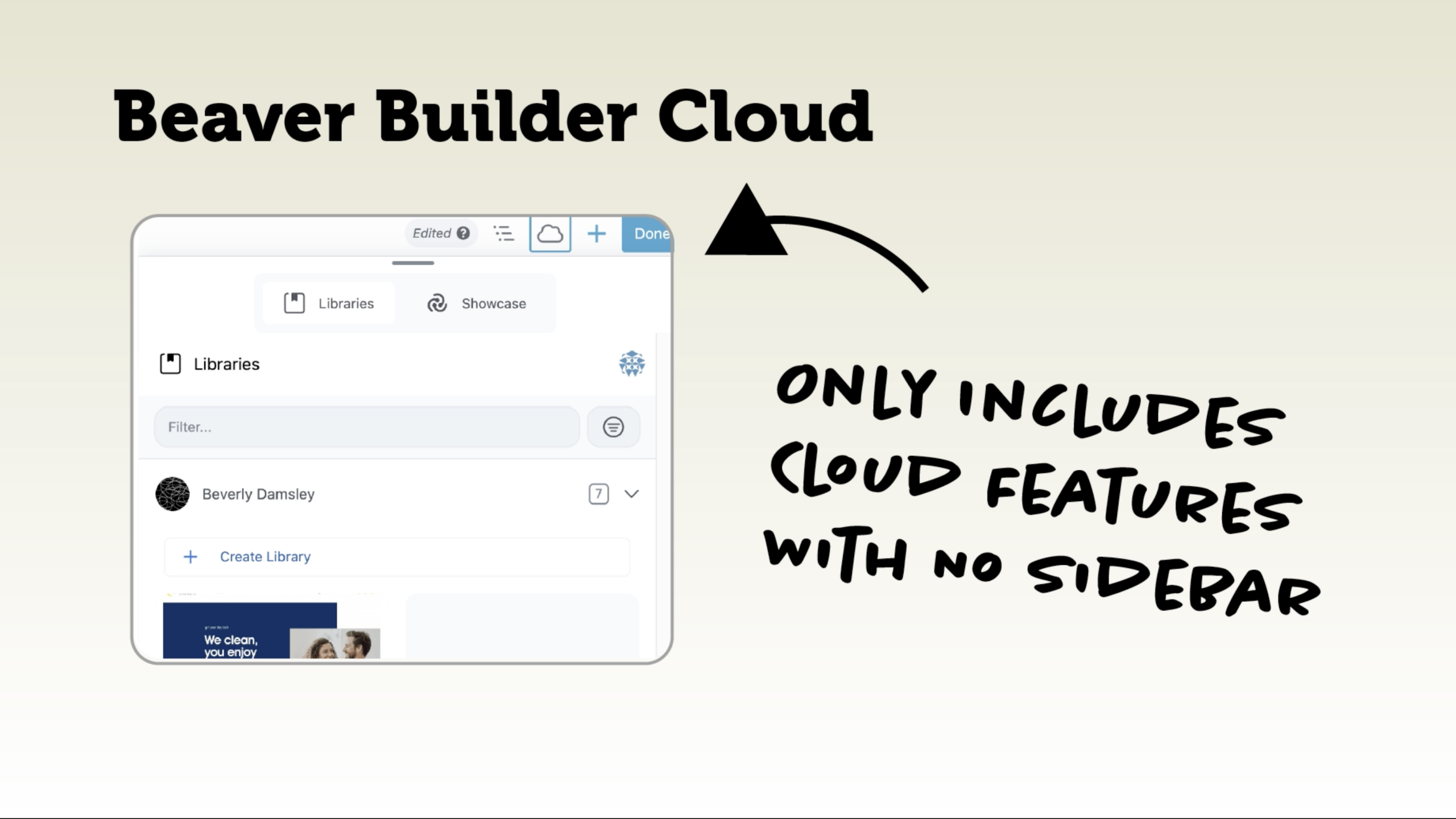
If you prefer not to install an additional plugin, you can connect directly to Assistant Pro from inside Beaver Builder. However, it doesn’t include the additional front-end tools like the Content or Media apps. It’s focused specifically on cloud templates and reusable design assets.When the Assistant plugin is deactivated, you’ll see a cloud icon inside the Beaver Builder editor. Clicking it opens the Beaver Builder Cloud interface, which includes only two tabs; the Libraries tab is where you manage your personal saved templates and the Showcase tab where you browse and import pre-built content.
Which Option Should You Choose?
If you want full front-end content management, media access, and additional workflow tools, use the Assistant plugin. If you just want simple cloud template management directly inside Beaver Builder, use Beaver Builder Cloud.
Free Course: Build a Better Workflow With Assistant Pro
Ready to get started? Check out our free course!
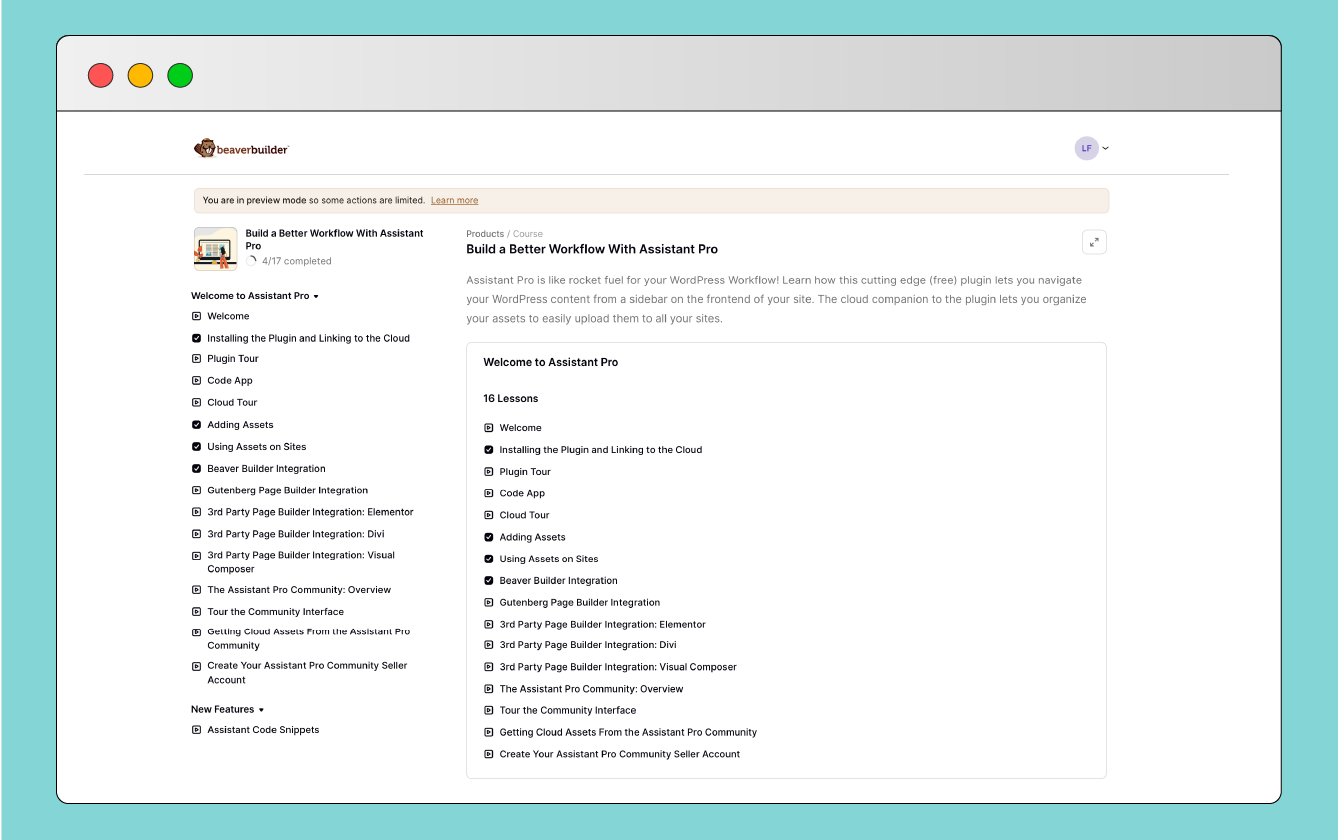
You’ll learn how to navigate content efficiently, organize your cloud libraries, and move assets between sites without friction. The result is less busywork and more efficient output.
Our Newsletter
Our newsletter is personally written and sent out about once a month. It's not the least bit annoying or spammy.
We promise.
Try Beaver Builder Today

Related articles
How to Nest Components in Beaver Builder: Build a Design System That Scales
 -
March 3, 2026
-
March 3, 2026
In the last tutorial, we built a component from scratch. Now we’re taking it a step further by nesting components…
How to Build Beaver Builder Components: Step-by-Step Tutorial
-
March 3, 2026
If you build client websites or large WordPress sites, you know the struggle: keeping layouts consistent while allowing edits on…
What Are Beaver Builder Components? Beginner’s Guide to Reusable Layouts
-
March 3, 2026
Are you rebuilding the same layouts over and over in WordPress? If so, Beaver Builder Components are about to save…
Join the community
We're here for you
There's a thriving community of builders and we'd love for you to join us. Come by and show off a project, network, or ask a question.


Since 2014
Build Your Website in Minutes, Not Months
Join Over 1 Million+ Websites Powered By Beaver Builder.